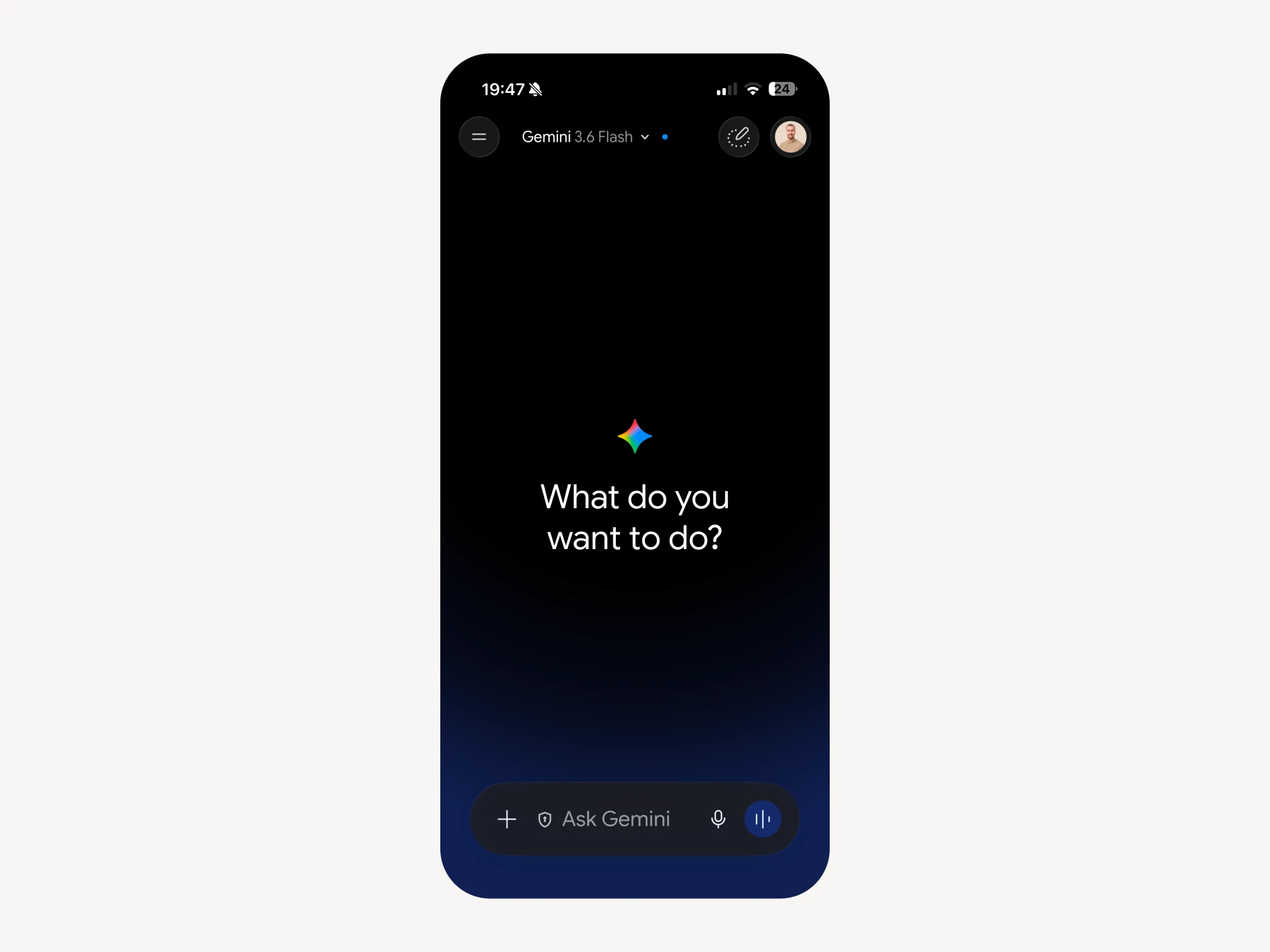
Gemini is the quickest of the three to set up, and the reason is that there is nothing to set up. You attach the file to the conversation and ask your question.
Your analysis ships as a Markdown file holding your color season, the verdict on all fifty colors, your body type, the cuts that work and the ones that do not. Gemini reads it natively.
Before you start
Open your analysis page and go to Connect to AI. Press Download .md. The file lands in your downloads as wearly-labs-profile.md.
That is the whole preparation. There is no project to create and no folder to file it in.
Step 1: attach the file
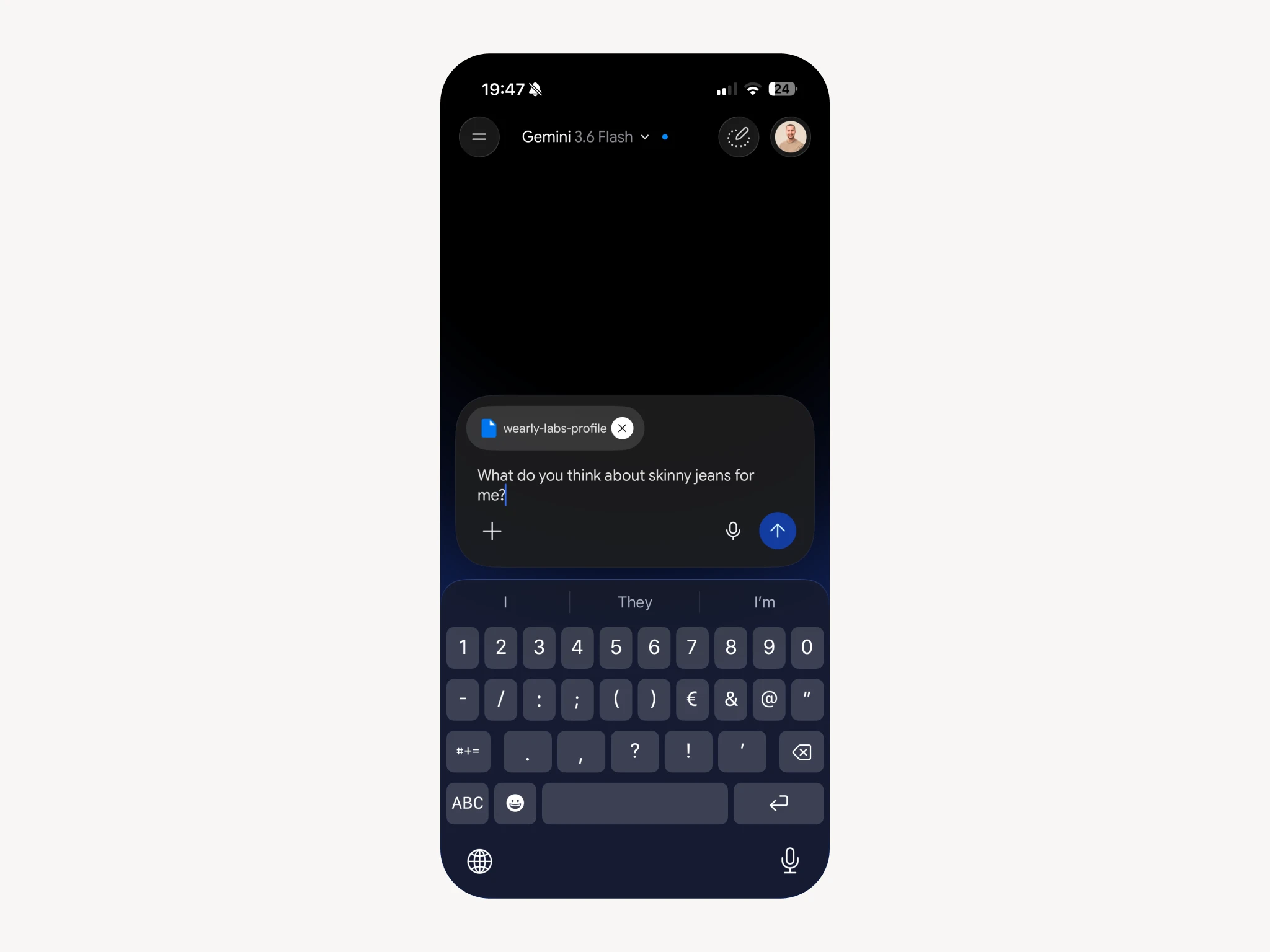
Open Gemini and press the + beside the prompt box, then pick the file from wherever your phone put it. It appears as a chip above the prompt with the file name on it.
If the chip is there, Gemini can read the file. That is the only confirmation you need.
Step 2: ask, with the instruction in the same message
Type your question, and the first time, put the job in front of it:
Act as my shopping and styling assistant. My personal style profile is attached. Check anything I ask about against my color palette, my body type and my recommended cuts before answering. Give me the verdict first and the reason second, in one or two sentences. If something does not work, name a specific alternative that does. Never recommend anything on my Skip list.
Then your actual question under it. From the second message on you can drop the instruction; the conversation remembers.
Why no Gem?
Gems are Gemini's saved assistants, and they look like the obvious home for this. Two reasons we do not send you there.
The first is that a Gem holds instructions, not files, so the profile has to be pasted into the instruction field as text. That works until the field hits its length limit, and then you are trimming your own palette to fit.
The second is simpler. Gems have moved around the interface more than once. A walkthrough that depends on where a button lives this month is a walkthrough that stops being true. Attaching a file to a chat has worked the same way since the day Gemini could read files.
If you use Gemini every day and want it permanent, a Gem with the profile pasted in is a fine thing to build. You already know how, and this article is for everyone else.
Test it before you trust it
Ask something you can already check:
What are my three best colors, and what do I wear instead of black?
You want names out of your own palette and your report's own answer for black. A general paragraph about black going with everything means the file did not attach. Check the chip above the prompt box.
What to ask once it works
- The link check. Paste a product page. "Verdict, and why."
- The rack. A photo from inside a shop. "Anything here in my palette?"
- The pack. "Five days in Rome in September, from my palette, carry-on only."
- The swap. "I am about to buy this navy coat. Is navy right for me, or is there a better answer in my palette?"
Keeping it in reach
The one cost of skipping Gems is that you attach the file each time. Two things make that painless.
Put the file somewhere your phone can reach in two taps. Google Drive is the obvious place if you are already in Gemini, and the file picker sees it without any setup.
And edit it when your life changes. It is plain text: add your sizes, add a brand you buy often, add the thing you will never wear whatever the analysis says. Your edits become part of every answer from the next attachment on.
Troubleshooting
The answers are generic. Check the chip above the prompt. No chip, no file, and Gemini is answering from nothing but your question.
It forgot halfway through a long conversation. Say "check my profile again". If that does not work, start a fresh chat and attach the file again. Long conversations drift in every assistant.
Gemini says it cannot open the file. Rename it to end in .md if your browser appended .txt on the way down. Failing that, use Copy on the Connect to AI screen and paste the profile straight into the message.
I want it to remember me without the file. That is what the paid tiers' memory features are for, and they are not reliable enough yet to bet a wardrobe on. The file is the version that works every time.
FAQ
No. Attaching a file to a chat works on the free tier. A paid plan gets you a better model and longer conversations, which helps, but the profile is doing most of the work.
Yes, and the phone is where you will actually use it. The file picker reaches Drive and your downloads the same way the desktop does.
Whichever you already use. The profile does the work. Claude has the tidiest permanent setup, ChatGPT sits in the middle, and Gemini is the fastest to try once.
Your season, the verdict on fifty colors, your body type, the cut map, your style tags and your own answers. Color codes and words. No photos, and nothing you did not give us.